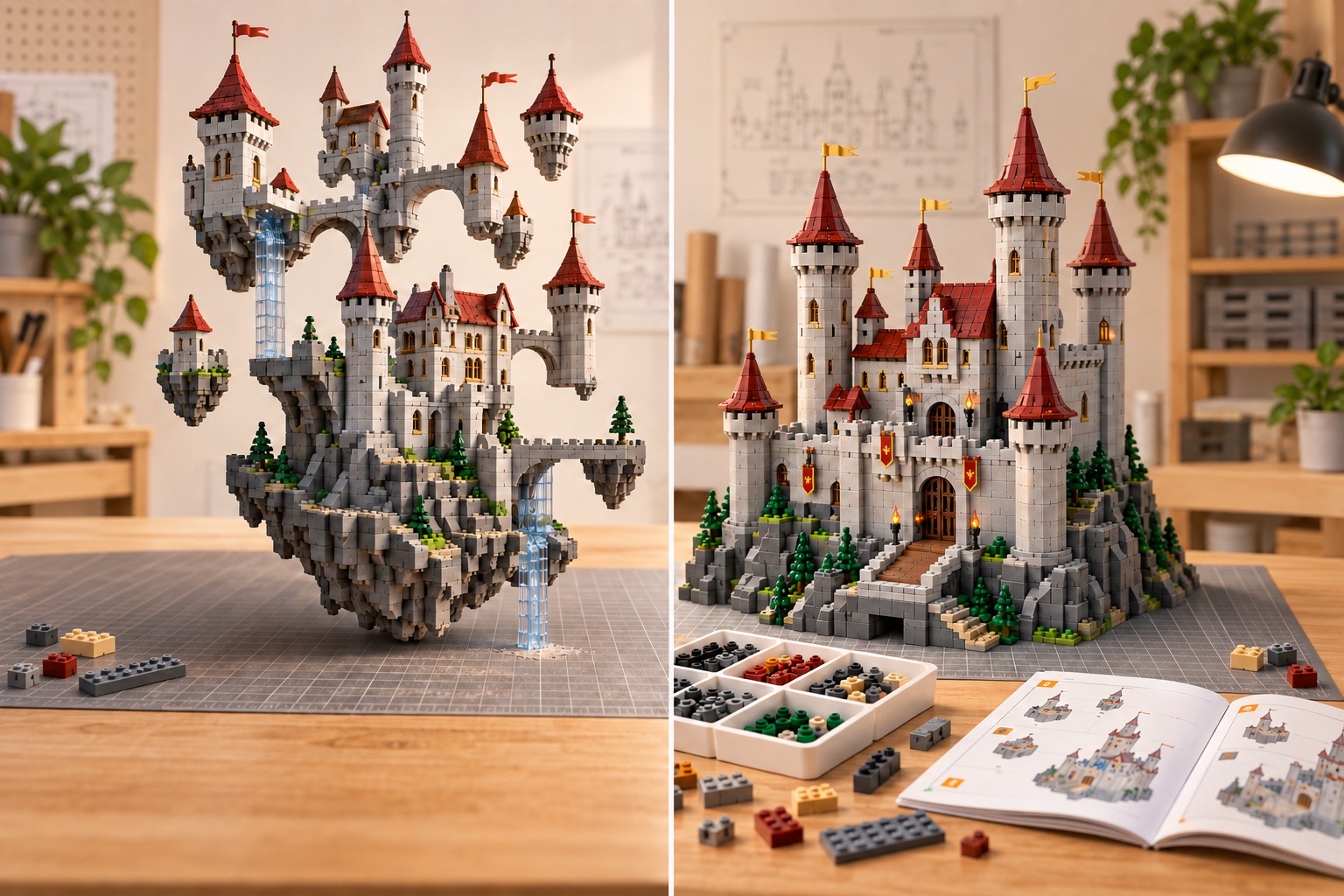
An AI-generated brick image is buildable only when every visible element maps to an available part and color, every placement uses a legal connection, the structure can support itself, and a human can assemble it in a valid order. A beautiful image alone proves none of those things.
The viral “turn anything into LEGO” trend has split into two very different products: image stylizers that produce brick-looking pictures, and model generators that attempt to produce structured assemblies. The difference matters the moment someone wants to rotate, edit, build, price, or export the result.
Why this distinction is trending now
A widely discussed community mosaic tool emphasized real color availability instead of generic pixelation. At the same time, highly engaged community discussions have criticized AI images whose fused or invented pieces create unrealistic expectations. Those reactions point to the same requirement: useful brick AI must expose structure, not only appearance.
The most defensible output is not “this looks like bricks.” It is “these exact parts, in these colors, connect in this order, with these known limitations.”
Seven tests for a genuinely buildable result
Every shape maps to a real part ID
Curves, hinges, clips, slopes, and decorative details need catalog identifiers—not blended plastic shapes invented by an image model.
The part exists in the requested color
A geometrically valid design can still be impossible to source. Part-and-color availability must be checked as a pair.
Connections are legal and aligned
Studs, tubes, pins, clips, bars, and axles have discrete connection rules. Near-misses that look fine in a render will not clutch in reality.
No collisions or fused pieces
Two parts cannot occupy the same volume. Generated images often hide overlaps, melted edges, and half-parts behind plausible lighting.
The assembly has support
Floating towers and single-stud cantilevers may render beautifully. A buildable design needs load paths, adequate clutch, and reasonable reinforcement.
A human can follow the step order
Later parts must not trap earlier parts or require fingers to pass through solid walls. Instruction generation is an accessibility problem as well as a geometry problem.
The output is structured and exportable
LDraw or another structured format, a parts list, and explicit validation status make the result inspectable. A JPEG alone is not a model.
What research systems add
LegoGPT/BrickGPT demonstrates a generate-check-rollback loop in which invalid or unstable placements can be rejected. BrickNet represents assemblies through connection relationships rather than raw coordinates alone. Neither paper turns every photo into a finished consumer-ready set, but both reinforce the same architecture: generative models propose; constraint systems verify.
A practical evaluation table
How Image2LEGO approaches the problem
Image2LEGO treats the uploaded image as evidence for a design proposal. The workflow exposes a rotatable model, assembly timeline, parts view, and structured exports so users can inspect what the system produced. It should still be treated as an editable proposal: hidden geometry, uncommon parts, color availability, and real-world stability may need human correction.
See the photo-to-bricks workflow for the upload steps and the checks to make before a physical build.
Review every export in a compatible brick-design tool and inspect the bill of materials before purchasing inventory.
Sources and methodology
Facts were checked against the linked sources on October 1, 2026. The original 2025 preprint called BrickGPT “LegoGPT”; the latest revision uses “BrickGPT.” Community posts are used as trend signals, not as proof of technical capability. Product conclusions are Image2LEGO editorial analysis.