How to Turn an Image into a LEGO Model
Choose a good reference image, generate an editable 3D brick model, inspect its steps and parts, then export the result.
Follow the tutorial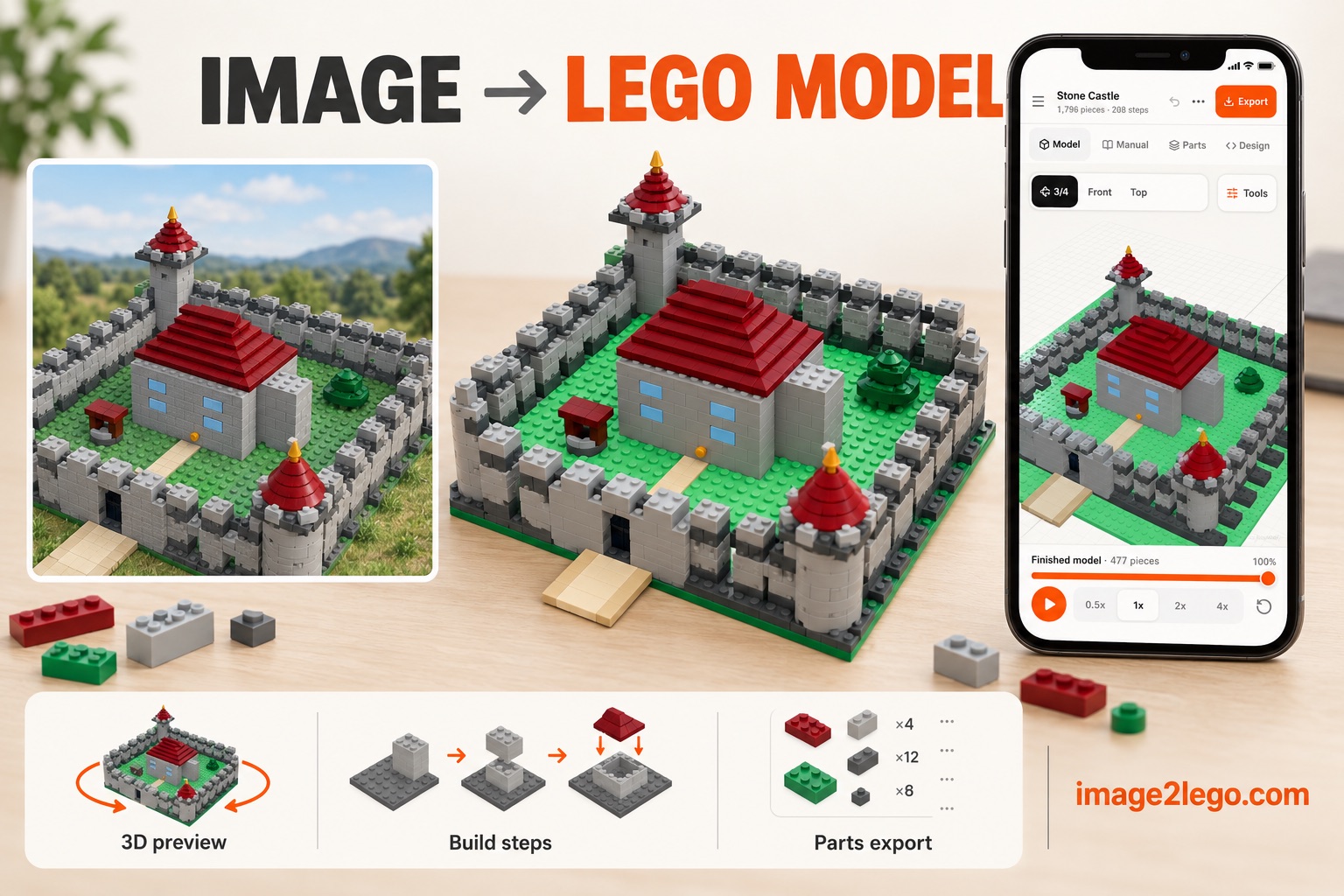
Research-backed explanations and practical workflows for translating photos into 3D geometry, real brick parts, building steps, and editable exports.
Choose a good reference image, generate an editable 3D brick model, inspect its steps and parts, then export the result.
Follow the tutorialPortraits, pets, buildings, landscapes, vehicles and original worlds each need different reference and review choices.
Why constrained generation, connection graphs, and multimodal planning matter for buildable results.
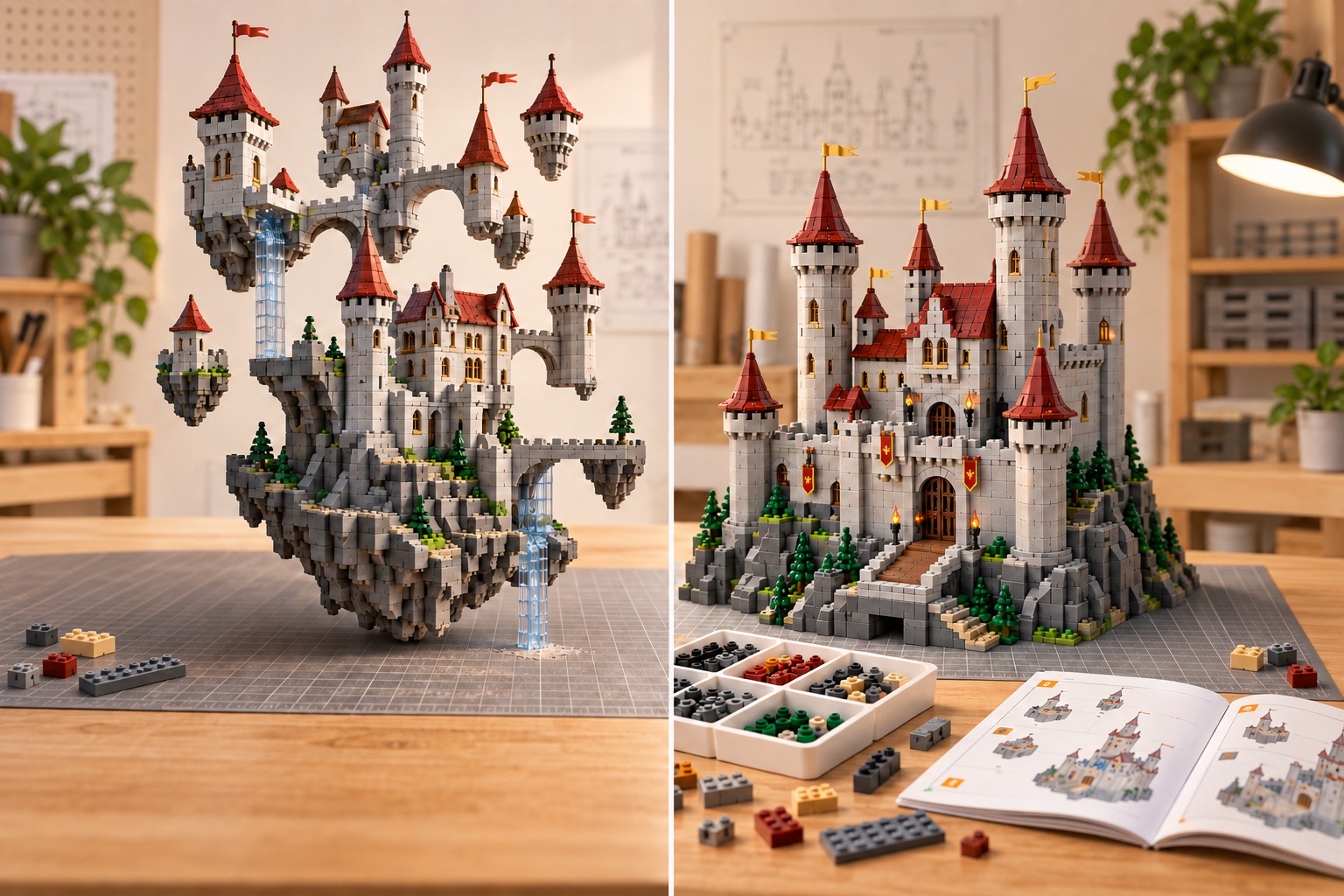
Seven tests for real parts, legal connections, stability, instructions, and usable exports.
Open checklist →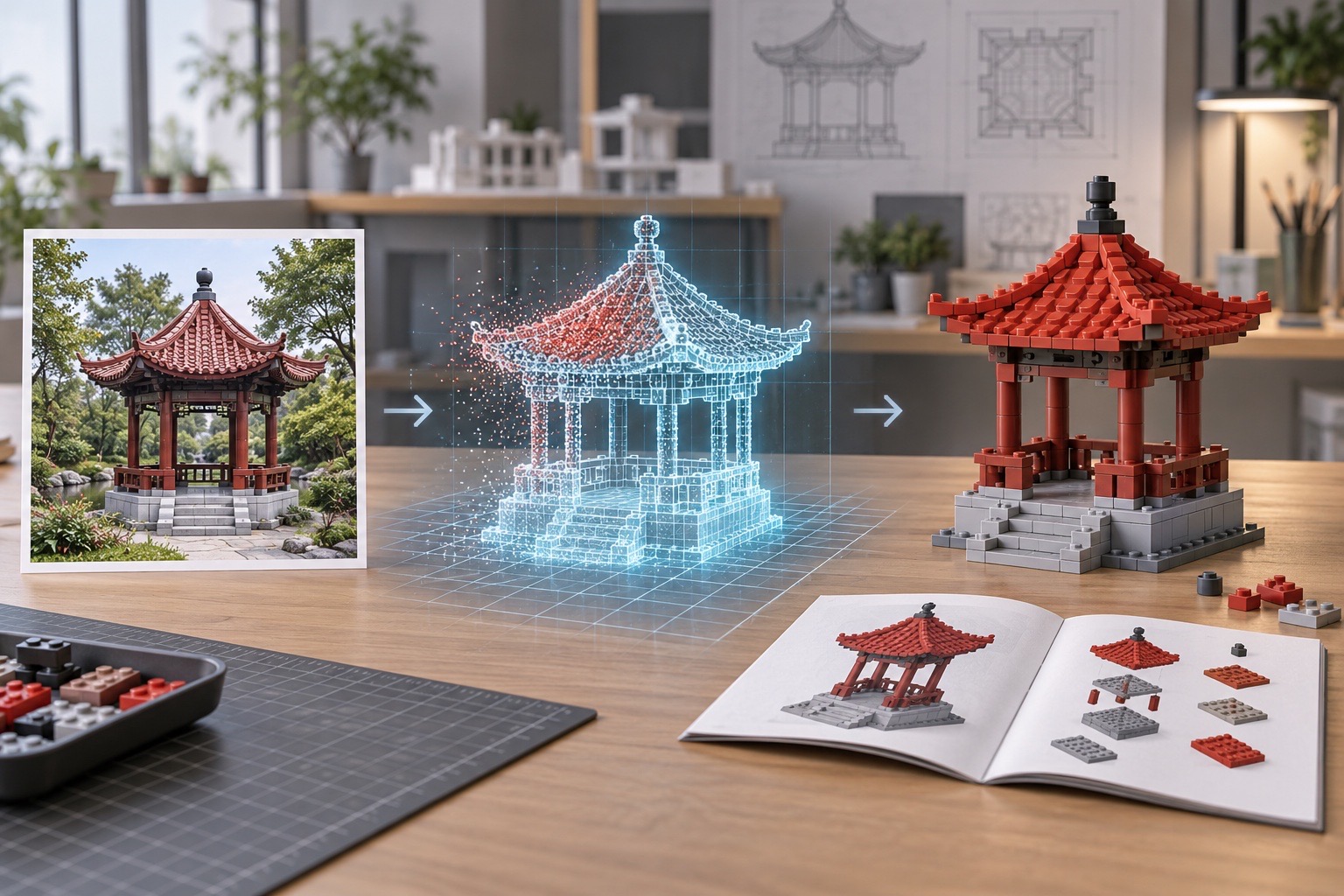
What Seed3D 2.0, TRELLIS, AssetGen, and PhysX-Anything mean for brick generation.
Read briefing →Original diagrams, primary research sources, practical capture and export advice—and clear limits on what today’s AI can actually build.
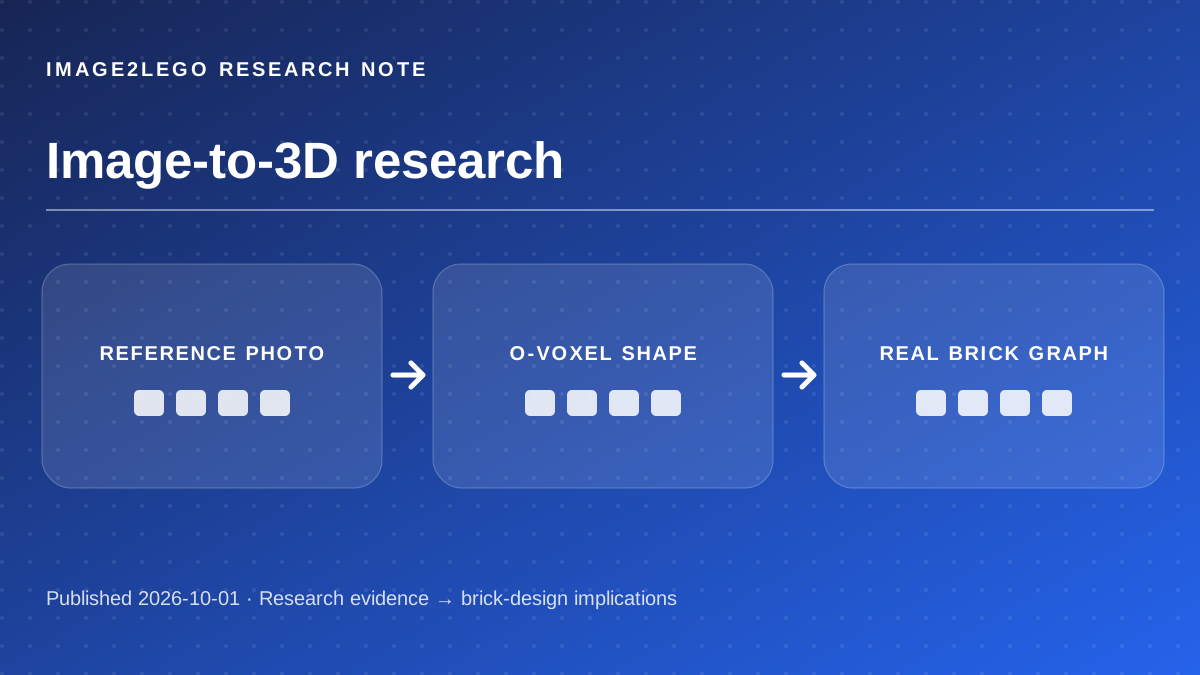
What Microsoft TRELLIS.2 actually generates, what its 4B model and O-Voxel representation change, and why a mesh still needs brick-specific engineering.
Read article →
A measured look at VGGT-Ω, camera geometry, depth and dynamic scenes—and the implications and limits for photo-to-brick modeling.
Read article →
Learn how monocular depth estimation helps separate shapes in a reference photo, where scale remains uncertain, and how to turn depth cues into a practical brick design.
Read article →
Tencent Hunyuan3D 2.1 can generate detailed PBR assets from images. See why converting those assets into real brick parts requires a different pipeline.
Read article →
Understand 3D Gaussian splatting, its real-time rendering results, and why a photorealistic view must be converted into solids, real parts and connections before building.
Read article →
A practical photo checklist for image-to-LEGO design: angles, overlap, scale, lighting and the hidden-surface problem, grounded in multi-view 3D research.
Read article →
Video Depth Anything and VGGT-Ω make video geometry more usable. Learn the frame-selection, depth, reconstruction and brick-validation steps still required.
Read article →
PhysX-Anything generates simulation-ready assets from images. Explore the difference between physical 3D attributes and legal, stable brick assemblies.
Read article →
A practical guide to WebXR AR brick previews, browser support, scale calibration and why an AR overlay cannot prove a model is physically buildable.
Read article →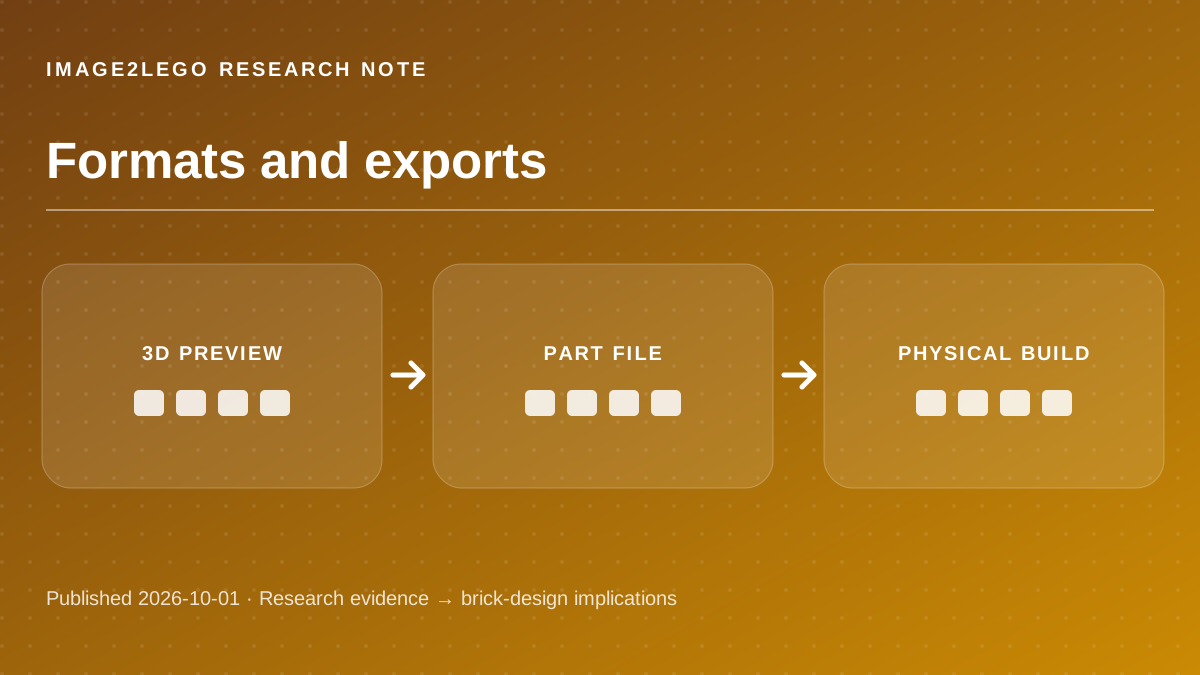
Compare LDraw, GLB and STL for editable brick parts, web previews, 3D printing and real assembly. Learn what each export proves—and what it does not.
Read article →