Image2LEGO Journal · Category Exploration

Turn Any Photo Subject into an Editable 3D Brick Model

Every subject demands distinct brick-engineering decisions. Explore practical photo guidelines, lighting recommendations, prompt suggestions, and buildability checklists curated by topic.

Browse All Subject Categories

Choose the subject that matches your photo. Each guide covers capture choices, brick-model decisions, a starter prompt, and manual buildability checks.

Guide Live 01 · Character

Portraits & Figures

Capturing facial contours, hairstyles, and iconic wardrobe details with discrete slopes and plates. Includes recommended photo angles and prompt suggestions.

Guide live 02 · Built World

Architecture & Landmarks

Keep the roofline, entrance, and window rhythm; inspect the sides and back that a single facade photo cannot show.

Guide live 03 · Environments

Landscapes & Nature

Turn a broad scene into a compact diorama with a clear focal point, layered terrain, and a stable base.

Guide live 04 · Animals

Pets & Animals

Preserve ears, muzzle, tail, and coat markings while reviewing the support needed for a stable pose.

Guide live 05 · Pop Culture

Celebrities & Pop Culture

Translate a permitted reference photo into a stylized brick portrait using hairstyle, wardrobe, pose, and recognizable color blocks—without implying endorsement.

Find a starting point by age

These editorial groupings suggest photo subjects and design complexity. A generated model has no age safety certification; adults should upload for children and follow the age guidance on physical parts.

4+PARENT-GUIDED

First brick ideas

Simple animal and garden shapes, with an adult choosing and uploading the photo.

Explore 4+ ideas →
6+PLAYFUL

Pets & adventures

Recognizable pets, vehicles, and small scenes that start with your own image.

Explore 6+ ideas →
9+SCENES

Cities, castles & space

Learn to split bigger ideas into a base, main volume, and repeating details.

Explore 9+ ideas →
13+DESIGN

Architecture & mechanics

Study modular structures, articulations, and visible support in the 3D proposal.

Explore 13+ ideas →
18+DISPLAY

Portraits & gifts

Personalized portraits, pets, landmarks, and home display concepts.

Explore 18+ ideas →

View all age ideas → · LEGO® official age categories ↗

Make your own series from your own photos

These are Image2LEGO editorial concepts, not licensed characters or official set lines. Start with a reference you own or may use.

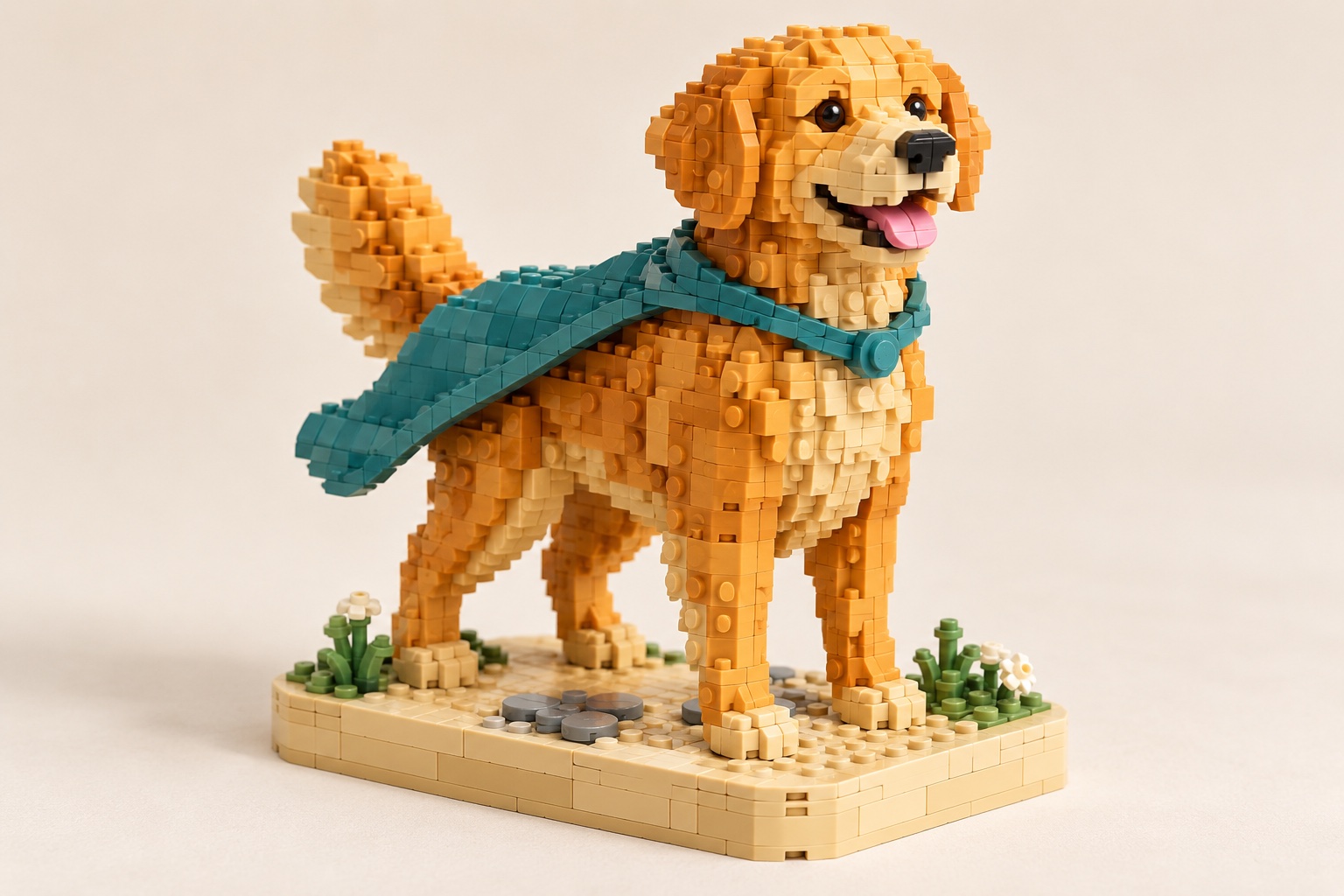
Original brick concept illustration: Pet Heroes
AI-generated concept illustration · not a tested physical build
6+ORIGINAL

Pet Heroes

Your real pet becomes the recognizable star of an original brick adventure.

Explore the series →
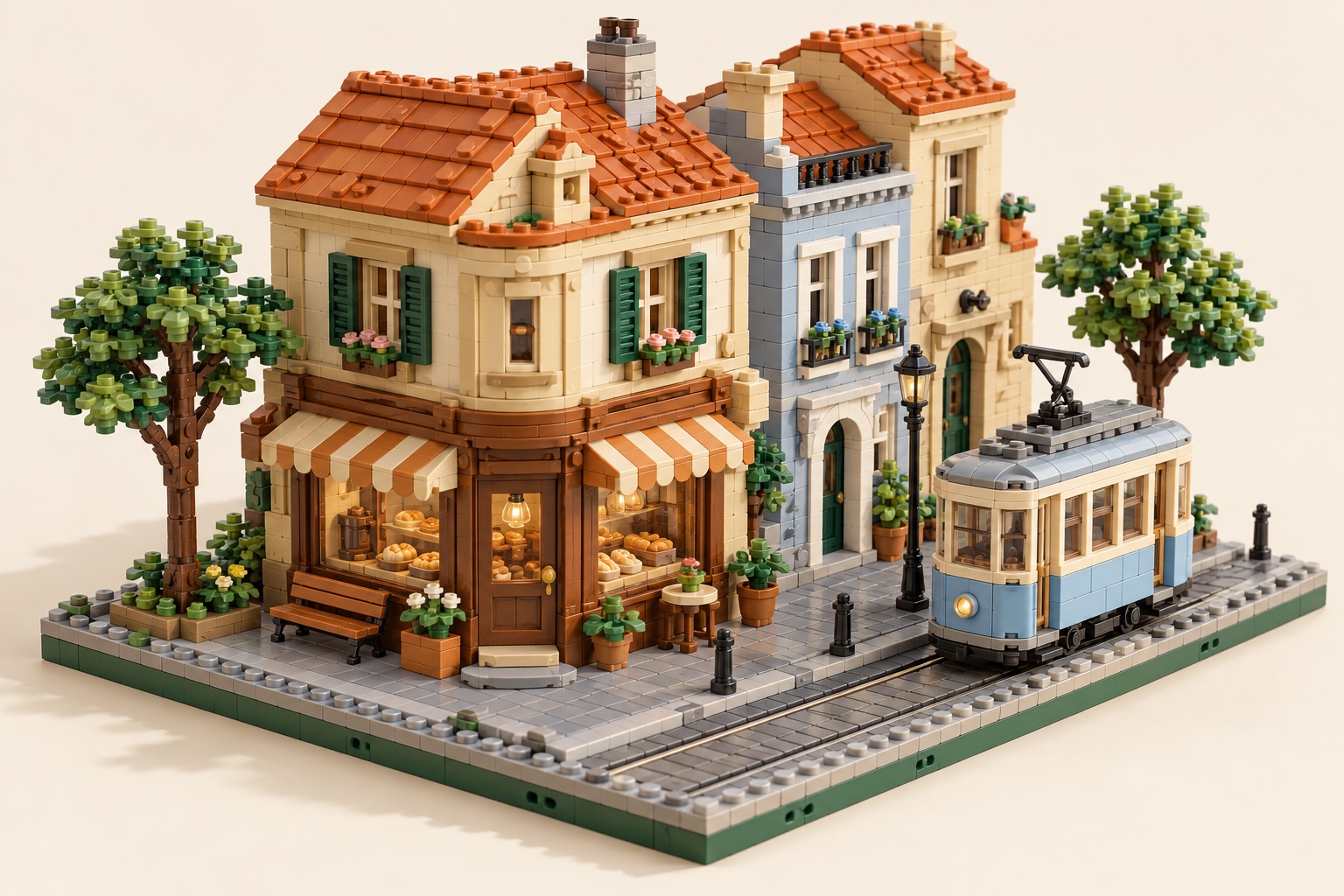
Original brick concept illustration: My City
AI-generated concept illustration · not a tested physical build
9+ORIGINAL

My City

Turn local streets and favorite buildings into your own modular neighborhood.

Explore the series →
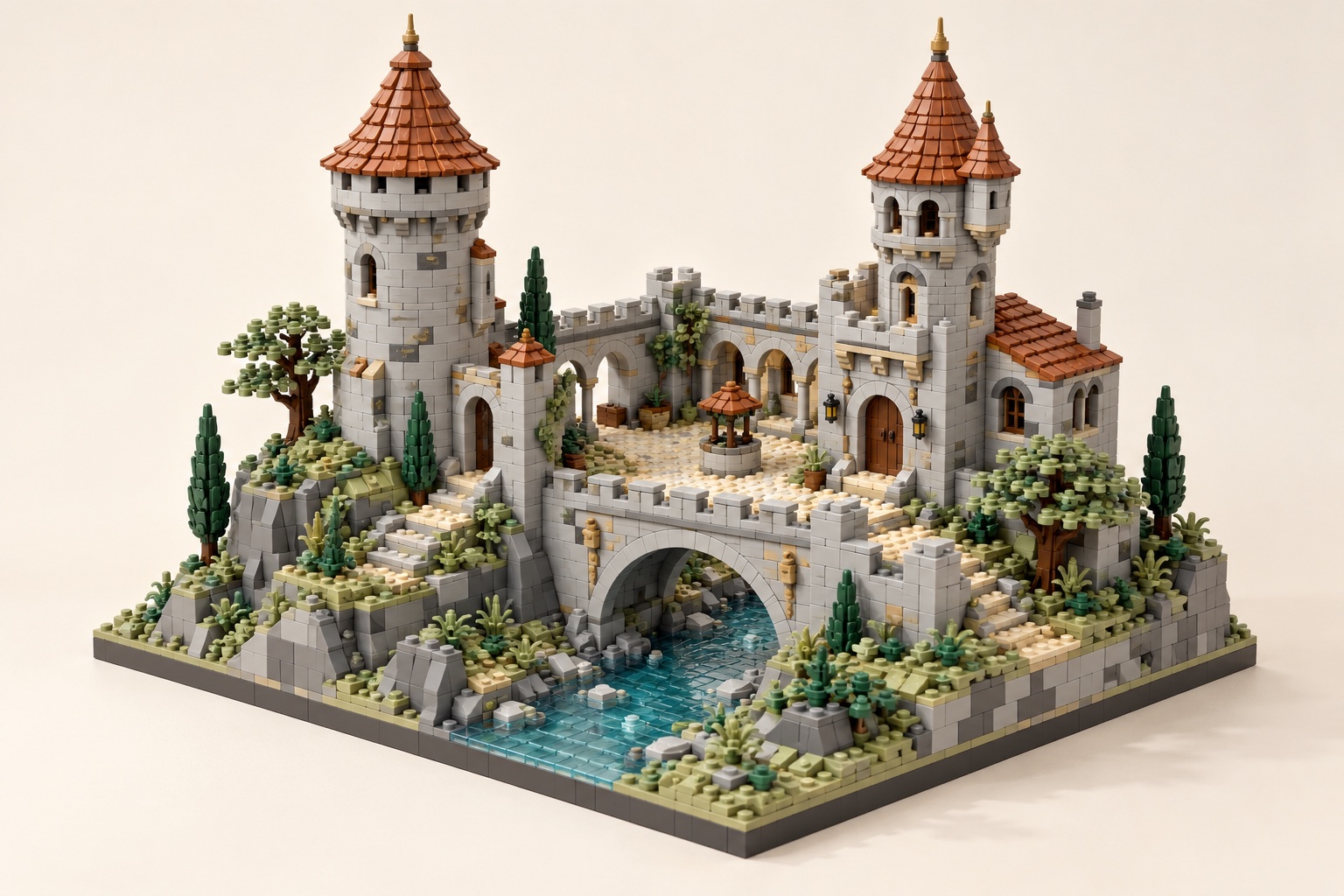
Original brick concept illustration: Fantasy Castle
AI-generated concept illustration · not a tested physical build
9+ORIGINAL

Fantasy Castle

Invent a fortress from your sketch or building photo instead of copying a licensed design.

Explore the series →
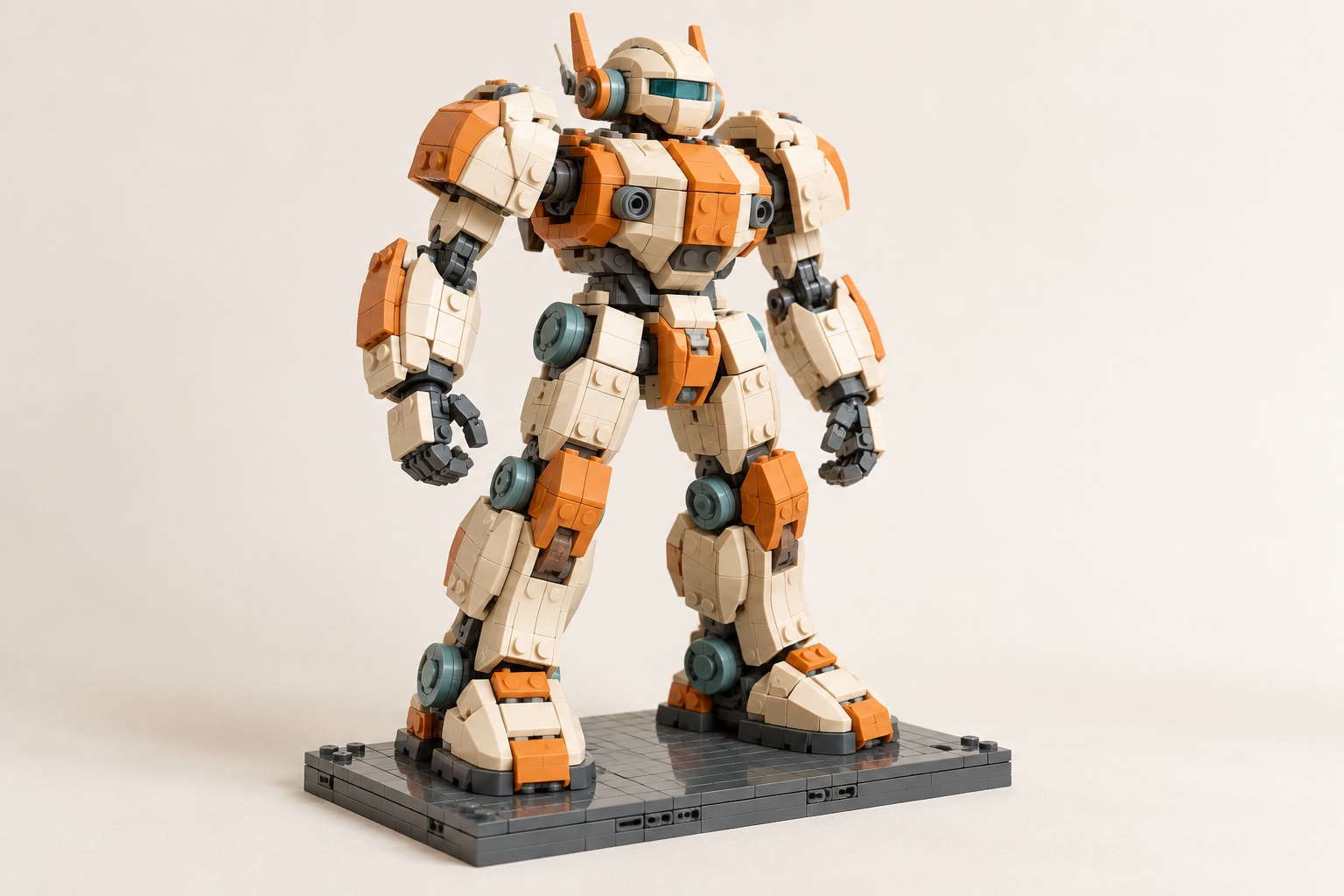
Original brick concept illustration: Future Mecha
AI-generated concept illustration · not a tested physical build
13+ORIGINAL

Future Mecha

Explore original robot forms, editable modules, and manual joint checks.

Explore the series →

The series illustrations are editorial concepts, not results from this photo-to-bricks tool or verified physical builds. Use your own permitted reference and inspect the editable result and connections.

View all original series →

IMAGE → BRICKS · AVAILABLE NOW

Your photo is the starting point

Upload a clear image, inspect the editable 3D proposal, review steps and parts, then export for manual checking. Text-first creation and multi-view reconstruction remain future ideas, not current features.

  1. Upload a permitted photo
  2. Inspect the 3D model
  3. Review and export

A digital design is not proof of physical stability or part availability.

See the workflow →

What these guides can—and cannot—verify

These subject guides offer photo and modeling suggestions. They do not certify that a generated model can be assembled from available physical parts. Export and inspect the result yourself. The LDraw file format specification documents the editable model format; BrickLink Studio’s import documentation confirms support for LDraw files. Neither source evaluates Image2LEGO’s output.

External Website Custom Physical Minifigures

Looking for Custom Physical Minifigures from a Photo?

Image2LEGO generates editable digital 3D models and assembly plans for desktop builds. If you are looking for custom physical brick minifigures created from photos, you can also explore another external website: UNICUS (https://www.unicus.fun/).

• Custom physical minifigures designed from photos.
• External ordering and production service handled on unicus.fun.
Note: UNICUS (https://www.unicus.fun/) is an external website for photo-customized physical brick minifigures. Inquiries, orders, and service are handled directly on unicus.fun.
ILLUSTRATIVE CONCEPT
Interactive 3D Workspace

Ready to Convert Your Own Image?

Drop in a portrait photo, architectural facade, or concept sketch into the Image2LEGO builder to inspect 3D brick proposals, preview geometry, and review building steps.