
My City
Build an original brick neighborhood inspired by streets, shops, and landmarks you photographed.
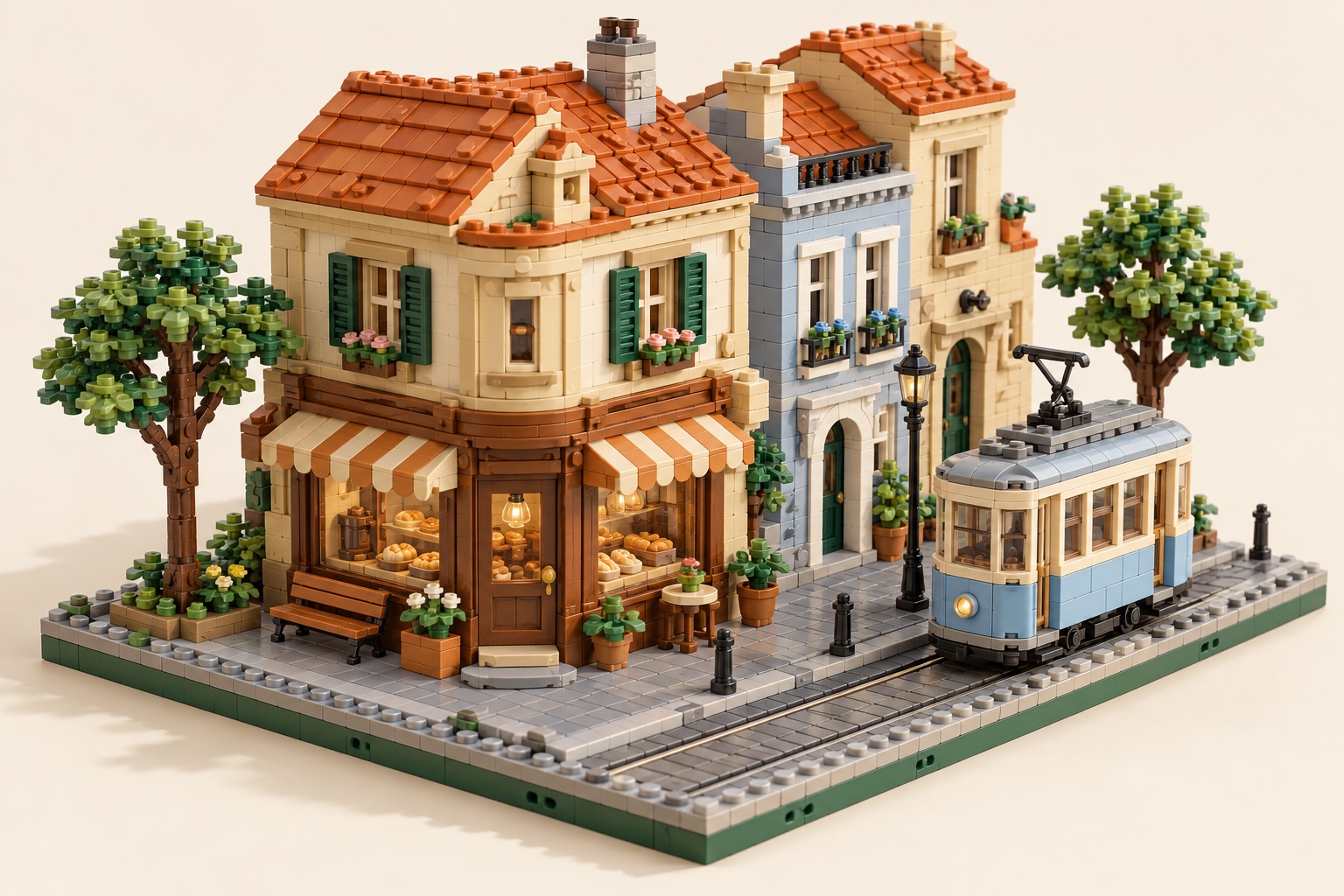
Choose a useful reference
Photograph a clear facade, roofline, and repeating windows; add a corner view.
Brick design decision
Reduce signs and traffic clutter; make reusable facade modules.
Before a physical build
Inspect inferred rear walls, roof support, and module connections.
A starting brief for your own image
Upload a photo or sketch you may use. This optional description tells the builder which shapes matter; it does not recreate the illustration or guarantee a buildable model.
Use my street or building photo as the reference. Keep the roofline, storefront proportions, and repeating windows. Make one compact neighborhood module on a stable sidewalk base; omit real shop logos and guesswork on unseen sides.Open the builder with my image →
From your photo to an editable brick proposal
Upload a clear photo, inspect the 3D proposal and parts, then export for manual review.
- Upload a photo you may use
- Inspect the editable 3D model
- Review steps, parts and export
A digital proposal is not proof of legal connections, stability, or part availability. Inspect the exported model before buying bricks.
Source and scope
Independent original themes. No official character, set, or brand license is implied. LDraw describes the editable file format; it does not certify this generated model.