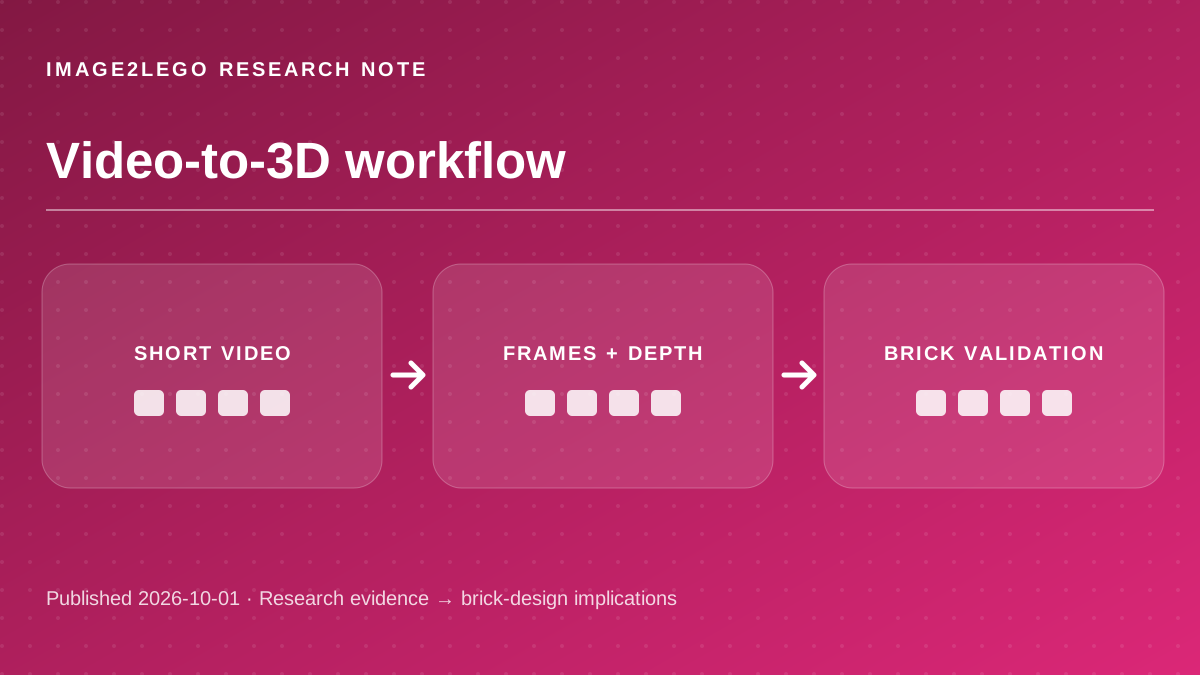
Consistent depth can reduce frame-to-frame flicker when selecting the outline, protrusions and recesses of an object. It can also reveal when one frame is misleading because of motion blur. The research discussed here is independent of Image2LEGO; this article does not claim that the website implements those systems.
“Consistent Depth Estimation for Super-Long Videos”
— Video Depth Anything official repository. Short excerpt quoted for analysis; the source’s results do not measure Image2LEGO.
What video depth adds
Source factVideo Depth Anything is designed for temporally consistent depth estimation across long videos. Its repository documents relative and metric variants and an experimental streaming mode. Depth estimates are still not part placements. [1]
Brick-design analysisConsistent depth can reduce frame-to-frame flicker when selecting the outline, protrusions and recesses of an object. It can also reveal when one frame is misleading because of motion blur.
Shoot a slow arc around a stationary object rather than a fast, shaky pan. Stop and collect a still photo of any side that matters for construction.
Choose frames, not every frame
Source factVGGT-Ω studies reconstruction from visual sequences, including dynamic scenes. Its research results concern camera and geometry estimation, not an end-to-end consumer video-to-brick converter. [2]
Brick-design analysisConsecutive frames often repeat nearly the same viewpoint. Sampling every frame increases computation without adding much geometric evidence. Widely spaced, sharp frames are usually a better starting point for manual review.
Select a front, side and rear frame with shared landmarks. Reject blurred frames and frames where the subject is partly out of view.
Separate moving objects from camera movement
Source factThe VGGT-Ω project explicitly treats static and dynamic reconstruction as different cases. A moving object can change pose while the camera moves around it. [2]
Brick-design analysisFor brick conversion, mixed motion can produce contradictory shape estimates. A toy car rolling while you film it is not equivalent to walking around a parked car.
Keep the subject fixed if possible. If it must move, capture one frozen pose and model that pose rather than averaging motion.
The final conversion is still discrete
Source factAn LDraw file encodes parts and their transforms. Neither video-depth nor camera-reconstruction research outputs a verified list of real parts and building steps. [1] [2] [3]
Brick-design analysisThe complete workflow is video, selected frames, consistent geometry, simplified solid, brick-part graph, connection and collision checks, then assembly steps. Each stage can fail independently.
Use the final preview as a draft. Verify parts, support and exported file in a compatible editor before claiming a real-world build.
Questions builders ask
Can I upload a video directly to Image2LEGO?
The current builder accepts still reference images, not direct video uploads. Extract clear frames first.
What is the best video length?
There is no universal length. Coverage, sharpness and consistent subject pose matter more than duration.
Primary sources and editorial method
Every external capability and research number above is attributed to the original project or standard. “Brick-design analysis” and “Try this” are practical inferences, not claims that Image2LEGO uses the named model or has validated a physical build.
Sources checked October 1, 2026. Research results may depend on benchmark, hardware, model checkpoint and input conditions. No third-party demo video or image is reproduced here.