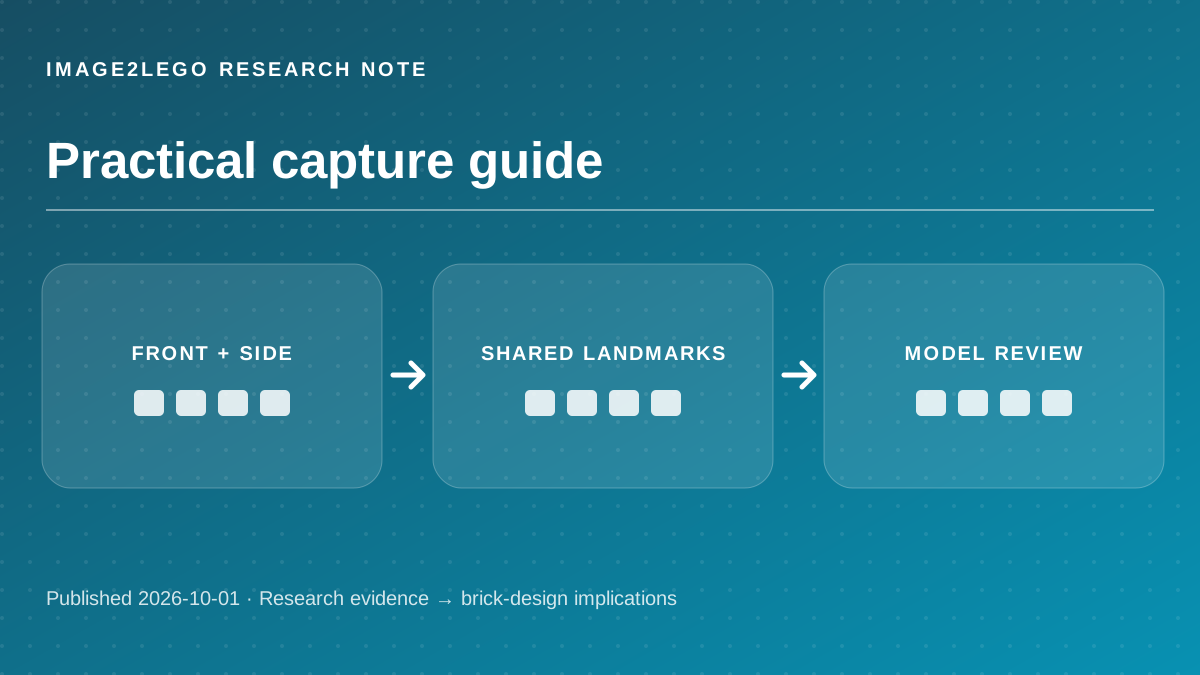
For a car, a front-three-quarter view shows silhouette while a side view clarifies length and wheel spacing. For a building, front and rear views reveal openings that a single hero shot hides. The research discussed here is independent of Image2LEGO; this article does not claim that the website implements those systems.
“directly infers all key 3D attributes of a scene”
— VGGT official repository. Short excerpt quoted for analysis; the source’s results do not measure Image2LEGO.
Start with the views that answer a question
Source factVGGT predicts camera parameters, depth maps and point maps from one or more views. TRELLIS also documents an experimental multi-image mode. Neither source claims that simply uploading more photos automatically creates a brick assembly. [1] [2]
Brick-design analysisFor a car, a front-three-quarter view shows silhouette while a side view clarifies length and wheel spacing. For a building, front and rear views reveal openings that a single hero shot hides.
Take one clear primary image, then a side and a rear image. If the object is symmetric, photograph the exceptions rather than ten near-identical angles.
Make the views agree
Source factMulti-view reconstruction relies on finding common scene structure across images. The official VGGT examples load image sets and infer their camera relationships. [1]
Brick-design analysisChanging the object, lens zoom, crop or lighting drastically between frames makes correspondence harder. A stable background can help camera estimation, while a cluttered background can also distract from the subject.
Keep the object still, maintain a similar distance, and overlap visible landmarks such as windows, wheels or corners between adjacent photos.
Include a scale cue
Source factA relative depth map describes near-versus-far structure, not necessarily physical size. Depth Anything V2 distinguishes standard relative-depth models from separate metric-depth variants. [3]
Brick-design analysisEven accurate geometry can be too large for your budget or too small for its defining features. Brick dimensions are discrete, so choosing a footprint early changes part counts and detail.
Provide one measured dimension or a target footprint in studs. For example, specify the width of a building facade before asking for tiny windows.
Inspect the uncertain surfaces
Source factThe cited vision systems infer geometry from visual evidence. Surfaces never seen in any image remain estimated rather than observed. [1] [2]
Brick-design analysisA good interface should distinguish observed features from inferred ones. That is especially important for a model that will be physically built: an invented roof back or unsupported underside can invalidate later steps.
Rotate the generated model to the unphotographed side first. If it looks wrong, add a reference or request a simpler structure before refining details.
Questions builders ask
How many photos should I use?
Start with two or three distinct, overlapping views. More photos help only when they add useful geometry and are consistent.
Can I use screenshots instead of photos?
Yes, if they show a stable object from distinct views without major perspective or style inconsistencies.
Primary sources and editorial method
Every external capability and research number above is attributed to the original project or standard. “Brick-design analysis” and “Try this” are practical inferences, not claims that Image2LEGO uses the named model or has validated a physical build.
Sources checked October 1, 2026. Research results may depend on benchmark, hardware, model checkpoint and input conditions. No third-party demo video or image is reproduced here.