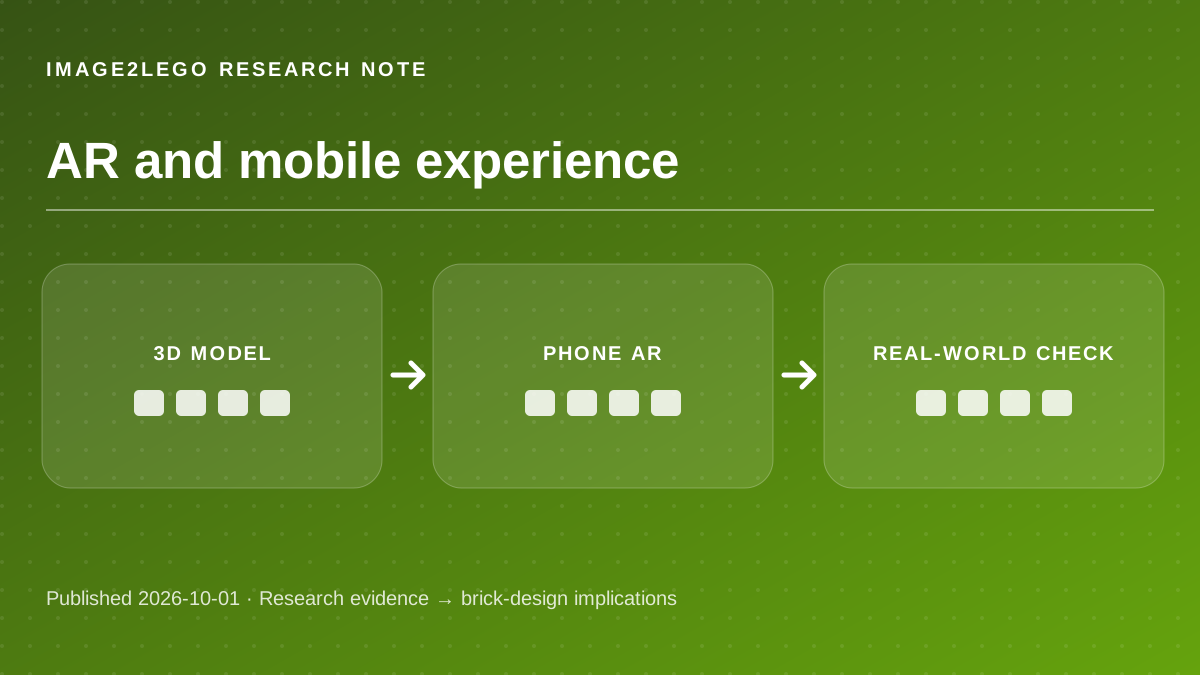
A brick preview could help estimate whether a model fits a shelf or whether its overall proportions look right next to real objects. It cannot tell whether hidden pieces connect correctly. The research discussed here is independent of Image2LEGO; this article does not claim that the website implements those systems.
“This feature is not Baseline”
— MDN WebXR Device API. Short excerpt quoted for analysis; the source’s results do not measure Image2LEGO.
What WebXR provides
Source factMDN explains that WebXR supports both VR and AR. An immersive-ar session can place rendered content into a view of the physical environment, while tracking the device pose. The API requires a secure context and is not available in every widely used browser. [1]
Brick-design analysisA brick preview could help estimate whether a model fits a shelf or whether its overall proportions look right next to real objects. It cannot tell whether hidden pieces connect correctly.
Treat a browser-based 3D viewer as the default experience and offer AR only after a compatibility check.
Scale must be explicit
Source factglTF is designed for efficient delivery and rendering of 3D assets. An AR overlay still needs reliable dimensions to show a brick model at meaningful real-world size. [3]
Brick-design analysisA 3D file exported only for appearance may not encode a trustworthy stud-based scale. If the size is wrong, the AR preview can give false confidence about shelf clearance or part count.
Establish width, height and depth in studs or centimeters before placing the model in an AR view.
AR is not a build test
Source factWebXR renders and tracks a virtual scene; the MDN docs make no claim that the API verifies brick connections or assembly steps. [1] [2]
Brick-design analysisA model that looks excellent on a desk can still have unattached walls, impossible placements or unavailable colors. The physical-design checklist must remain separate from the preview.
Review the part inventory and instructions before ordering pieces, even when the AR presentation looks convincing.
Questions builders ask
Does Image2LEGO currently offer AR?
No AR feature is claimed here. This article explains the technology and how an eventual preview should be evaluated.
Will AR work on every phone?
No. Browser, device and permission support vary; use the standard 3D view as a fallback.
Primary sources and editorial method
Every external capability and research number above is attributed to the original project or standard. “Brick-design analysis” and “Try this” are practical inferences, not claims that Image2LEGO uses the named model or has validated a physical build.
Sources checked October 1, 2026. Research results may depend on benchmark, hardware, model checkpoint and input conditions. No third-party demo video or image is reproduced here.