
3D
Photo → 3D brick model
Upload a reference photo to create an editable 3D brick-design proposal. Rotate the model, inspect steps and parts, then export the project for further checking.
Upload a photo and start a 3D build →Two different outcomes are often called “photo to LEGO.” A stylized picture is an image; a 3D brick model is a design you can rotate, inspect and export. Choose the result you actually need.
Photo → 3D brick model · Available now
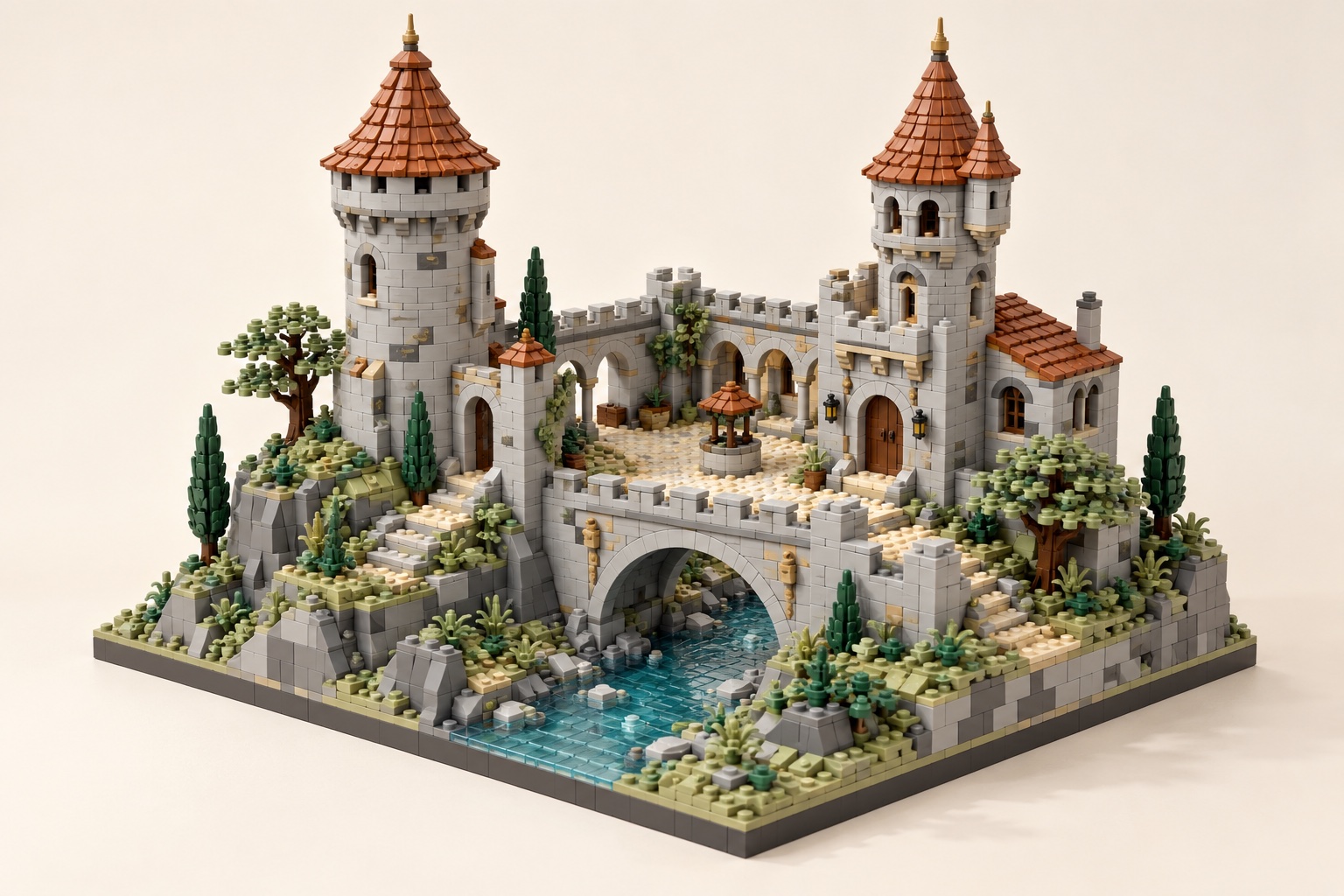 Illustrative concept · not a verified build
Upload a reference photo to create an editable 3D brick-design proposal. Rotate the model, inspect steps and parts, then export the project for further checking.
Upload a photo and start a 3D build →A single rendered image can be useful for visual inspiration or sharing, but it is not a parts list or building plan. This AI image-to-image mode is not connected yet.
2D browser preview · not AI ↓Image mode is coming laterUpload a photo to make a downloadable stud-pixel image in your browser. This simple square-cropped preview is not AI-generated and is not a building plan. The real AI image mode will be connected later.
Choose a JPG, PNG or WebP image up to 10 MB.
The distinction matters before you upload: a convincing picture does not prove that a model can be built from physical parts.
Best for concept art, mood boards and sharing a visual idea.
No editable brick geometry, building steps or verified parts inventory.Best for studying shape, iterating a design and preparing an export.
Connections, color availability, strength and real-world assembly still require human review.Use a JPG, PNG or WebP photo with a visible main subject. A simple background and a strong silhouette make the result easier to inspect.
The button above opens the builder in “Start a new build” mode. Add your photo as the primary reference and describe the size and details that matter.
Review the 3D view, building steps and parts. Export LDraw, CSV or JSON for further editing and manual buildability checks.
Different subjects call for different simplifications. Keep the most recognizable feature first.
No. The image-to-image mode is not connected yet. The live workflow turns a reference photo into an editable 3D brick-design proposal.
Treat it as a design proposal, not a guarantee. Check part existence, colors, connections, stability and assembly order before buying bricks or building physically.
The current builder accepts JPG, PNG and WebP reference images up to 10 MB each. You can add up to four candidate images and choose a primary reference.
LDraw is a widely used digital format for describing LEGO-compatible parts and assemblies. Exporting a file does not independently validate physical connections or part availability. LDraw specification ↗